The app.
Native Windows app. Runs in the background, checks every fifteen minutes, fixes what it can. Your team can ask it directly when something breaks.
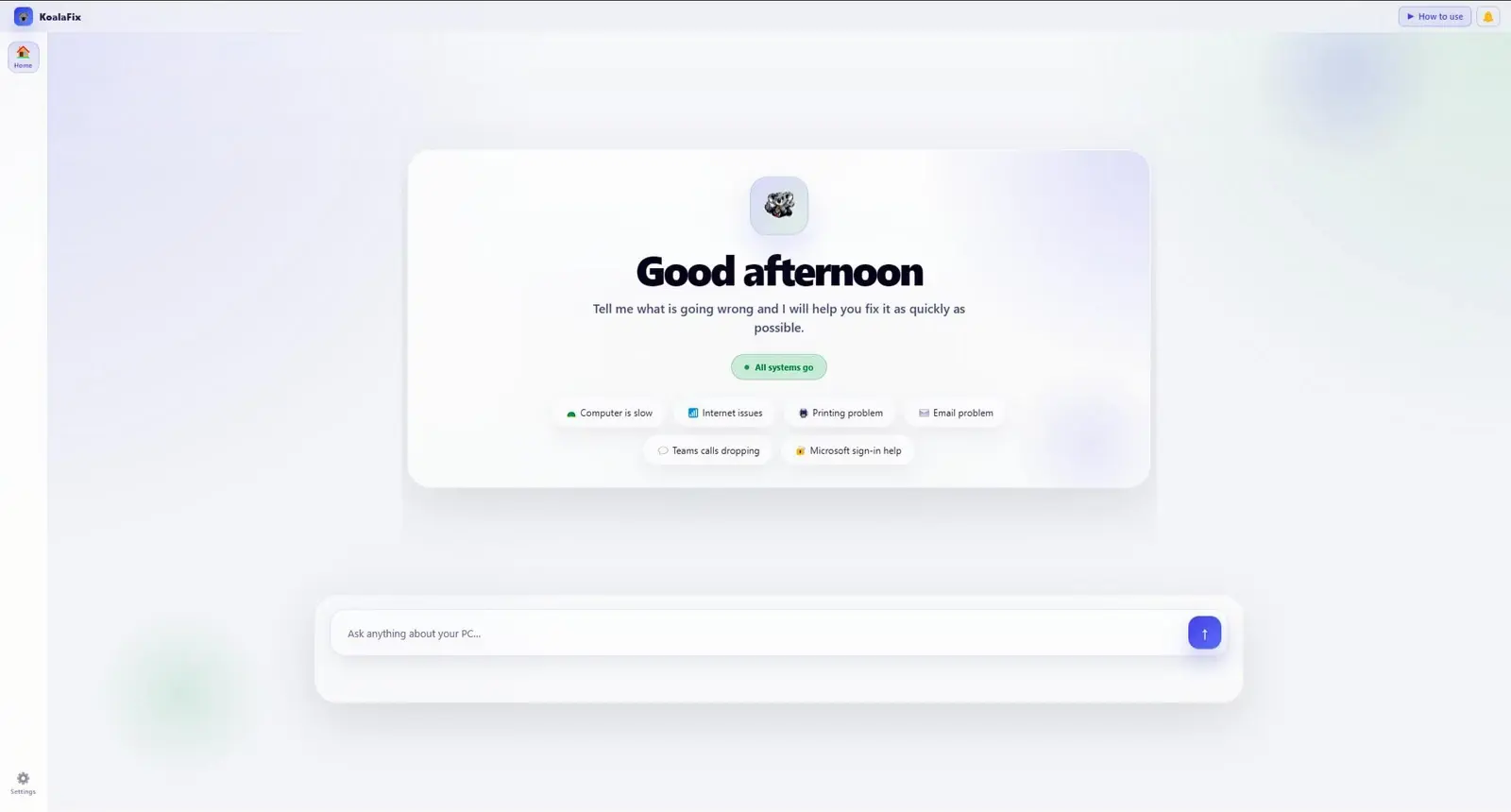
A Windows desktop app that quietly resolves the everyday Microsoft 365 issues your team keeps asking you about. Built for 5–100 person teams.
Your team isn't incompetent — they're just asking you because there's no one else to ask. None of these need a specialist. They all need someone. Right now, that's you.
OneDrive stuck. Office won't open. Printer offline. Teams won't launch. Expired password at 9pm.
Every interruption costs 20 minutes of context. Five a week is half a day — answering questions you've already answered six times.
A 100-person team doesn't need a 24/7 IT helpdesk. It needs something that quietly handles the everyday stuff — without leaning on leadership.
Two-minute scorecard. Two numbers back: hours your team loses each week to Microsoft 365 friction, and how many land on you.
Take the scorecard →A Windows app on every machine, connected to Microsoft 365 via delegated permissions. Three modes: automatic, sign-off, on-demand.
Automatic
Every fifteen minutes, it checks for the common ones — OneDrive sync, printer offline, Teams login, stale credentials, Office licensing. Safe, reversible fixes just happen. Your team never notices anything broke.
Sign-off
Password resets, mailbox changes, policy updates — anything that can't be cleanly undone pauses for your sign-off. You stay in control of everything that matters.
On demand
When something breaks, anyone on the team can open the app and ask. The agent walks them through it or fixes it on the spot. No portal, no ticket, no waiting on you.
Connects to the Microsoft 365 tools your team already uses. The list grows with what teams ask for first.
Launches, chat, notifications, and common sign-in issues.
Mail flow, profile repair, calendar sync, and add-in problems.
Site access, file paths, and sync connection to OneDrive.
Sync errors, conflicts, stuck uploads, and storage cleanup.
Native Windows app. Runs in the background, checks every fifteen minutes, fixes what it can. Your team can ask it directly when something breaks.